Notification Settings
Set device abnormality notification emails to relevant personnel
Regularly send monthly reports to admin to understand device usage status
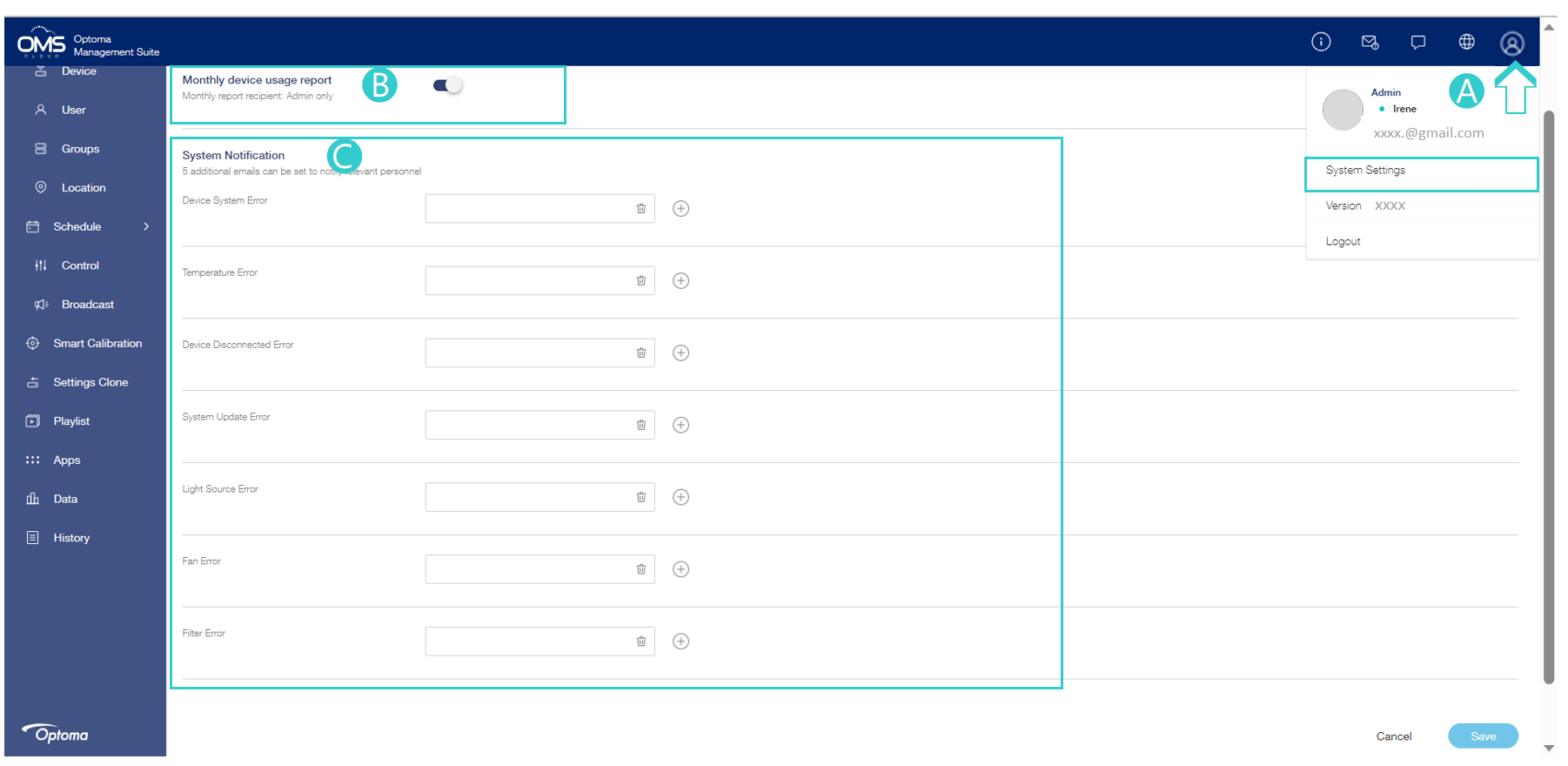
- Click Profile icon in the upper right corner and Click System Settings
- Enable or disable Monthly device usage report
- Automatically send monthly device usage reports to admin.
-
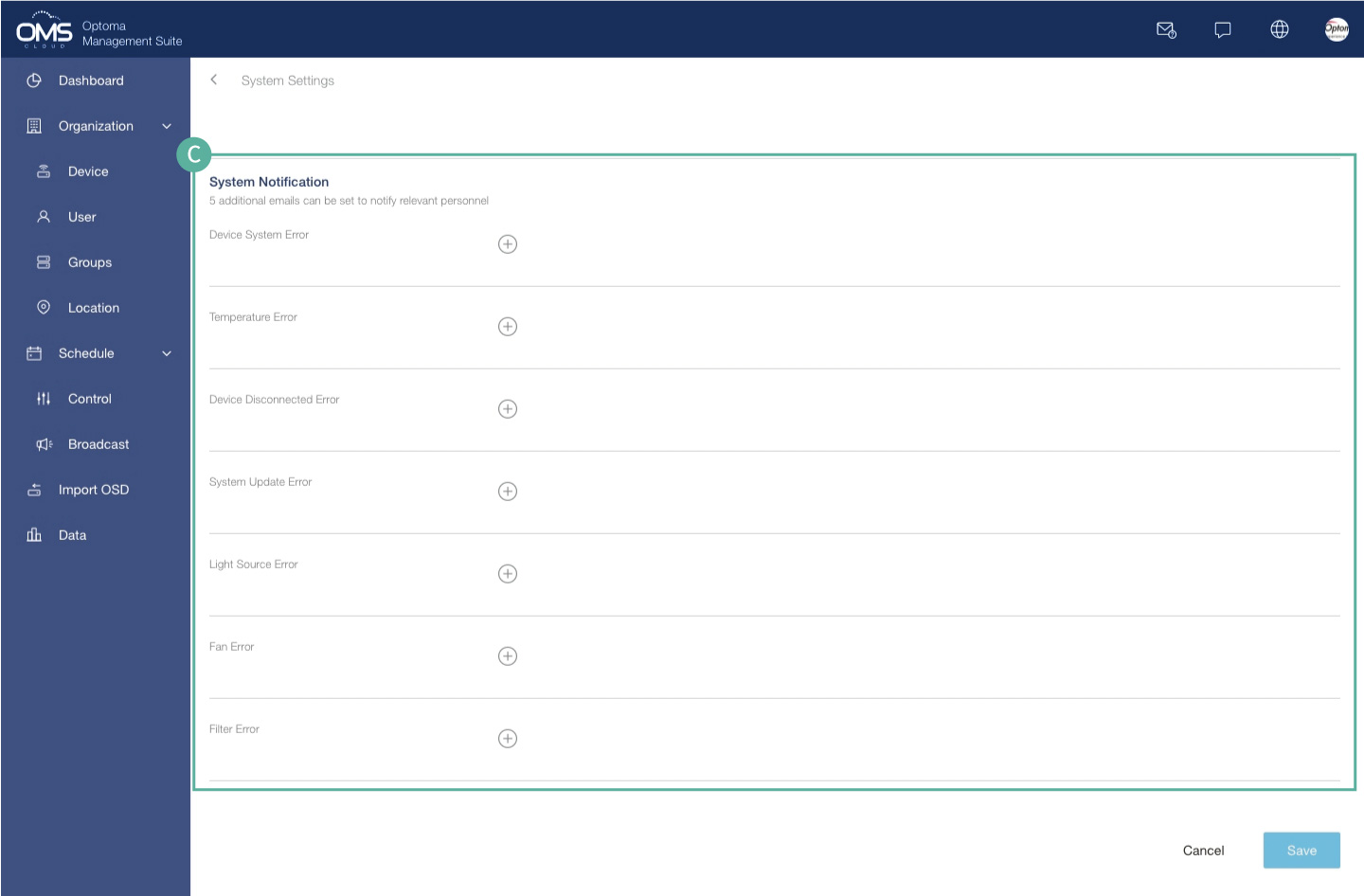
5 additional emails can be added per alert
- Abnormal alarms are notified in a timely manner, which can be handled in time before the problem is escalated.