Data Center
Get a graphical overview of your device’s operating history, including usage time and alarm charts.
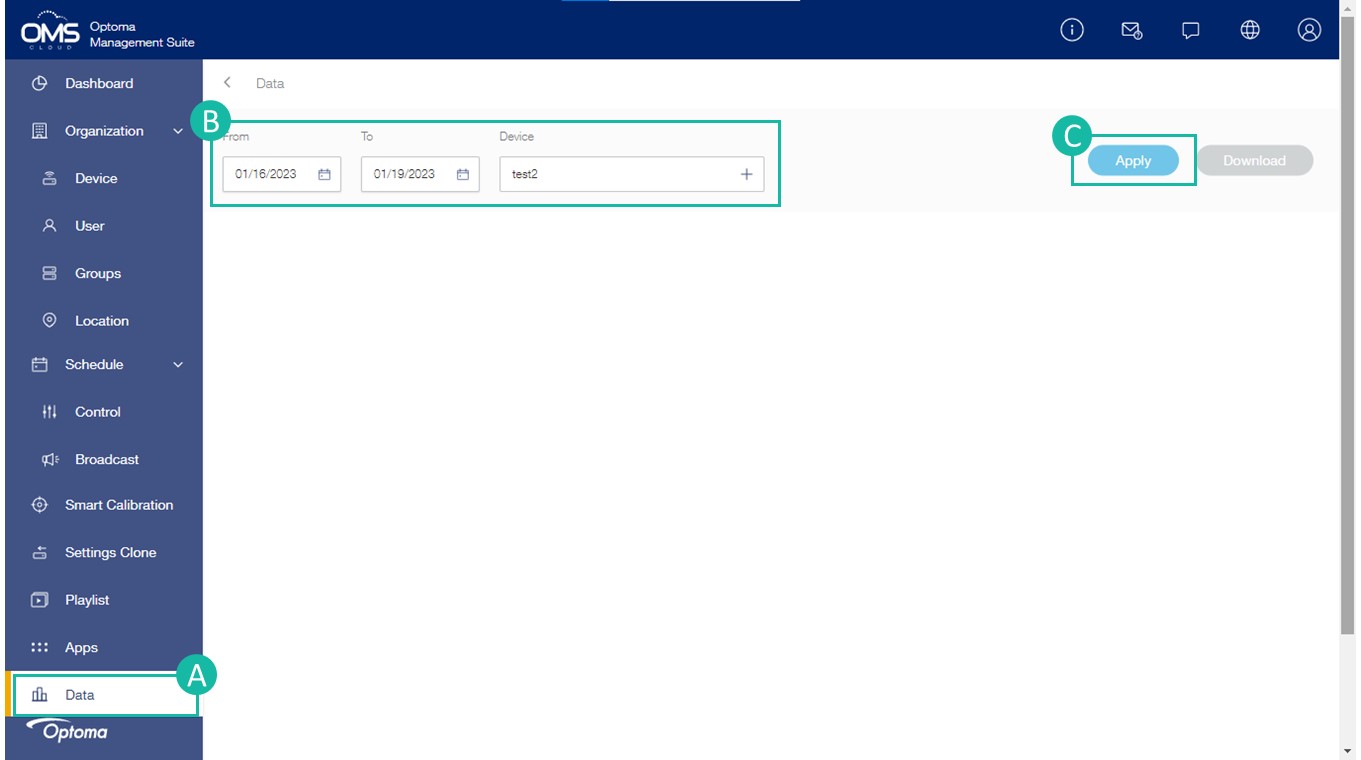
- Click Data
- Choose Period and Device *30-day reporting is currently supported.
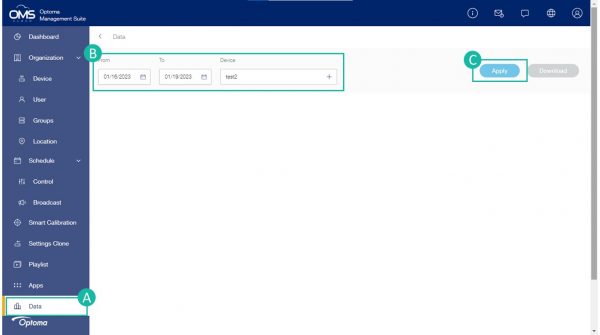
- Click Apply
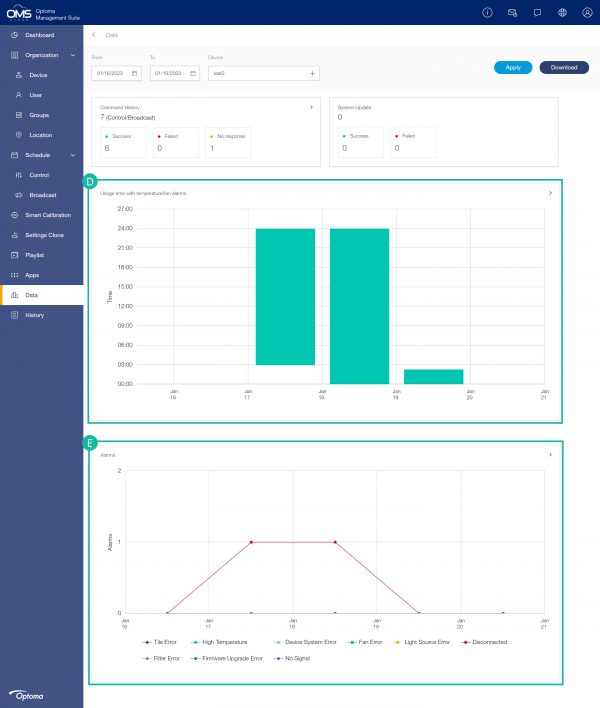
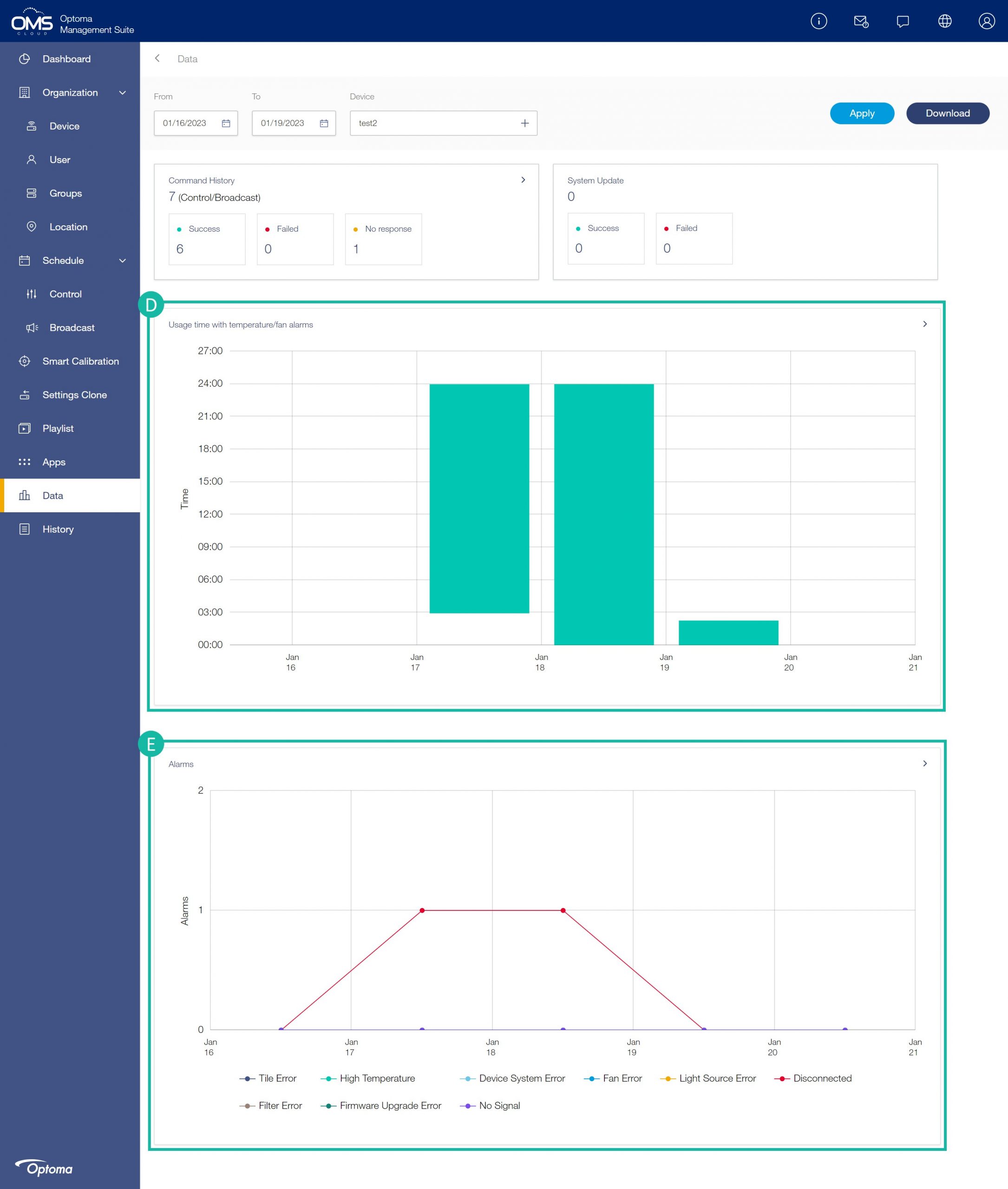
- Device usage time and temperature/fan error chart
- Alarm history chart
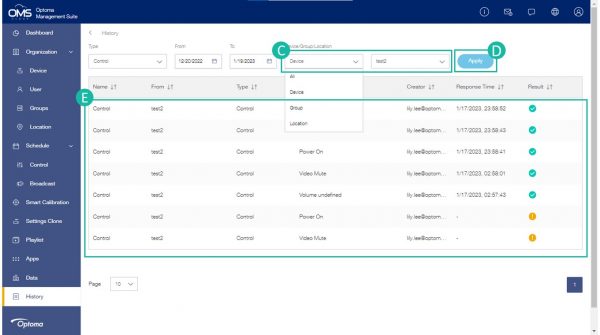
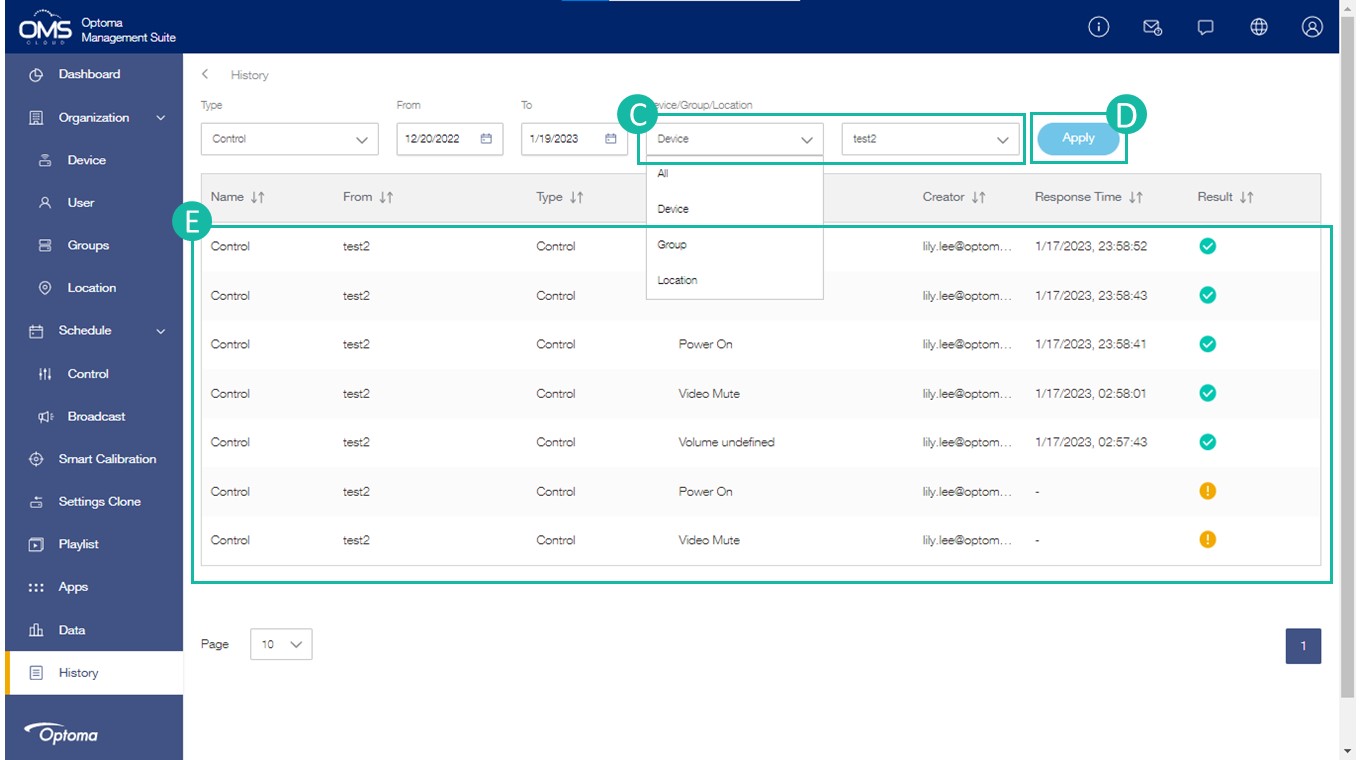
History
- Click History
- Choose Type and Period *30-day reporting is currently supported.
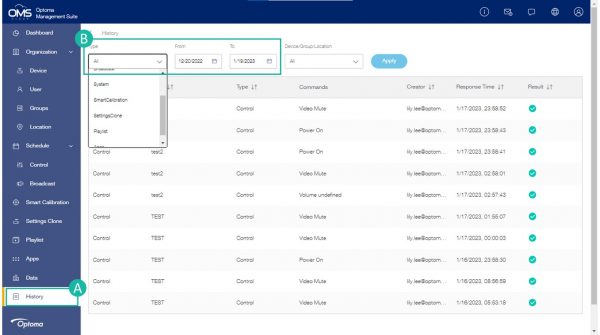
- Choose Device/Group/Lacation
- Click Apply
- Commands informantion chart