Session management
Create a new session
On the “Home” page click “new” on the left side menu. Select your desired template and start creating.
Open a recent session
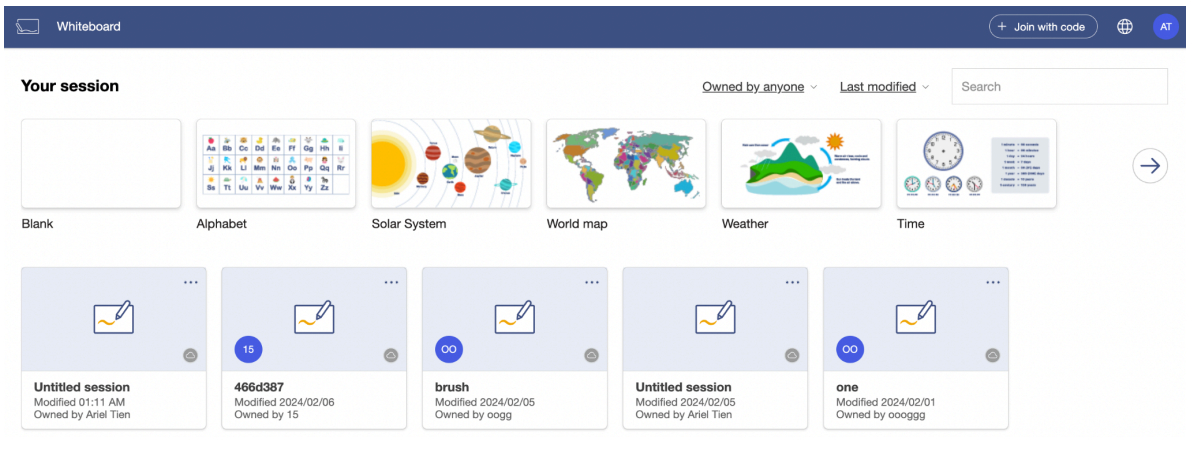
On the “Home” page, there is a list of the recently created sessions. They are sorted chronologically, by the most recently edited time.
Open a previous session
Users can select an already created session from the left-side menu and choose a previous session they would like to view or edit.
Rename, delete, or remove a session
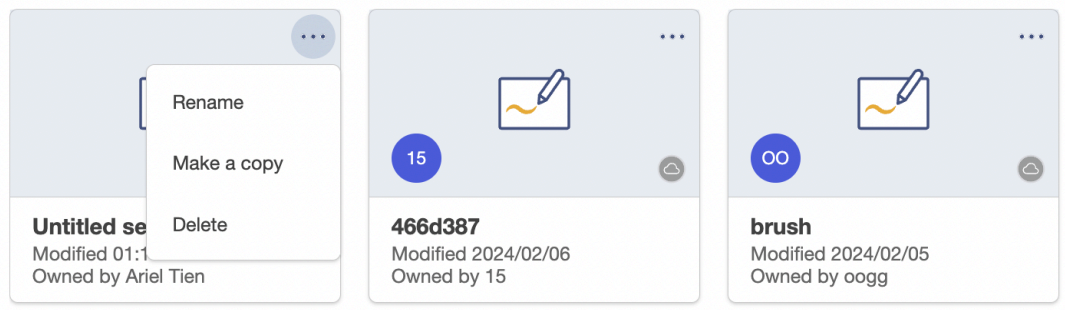
On the ‘Home’ page, clicking the icon in the upper right corner of each saved session allows you to rename, make a copy, or delete one of your own sessions. Additionally, you can also choose to remove a session shared with you by others.
Export
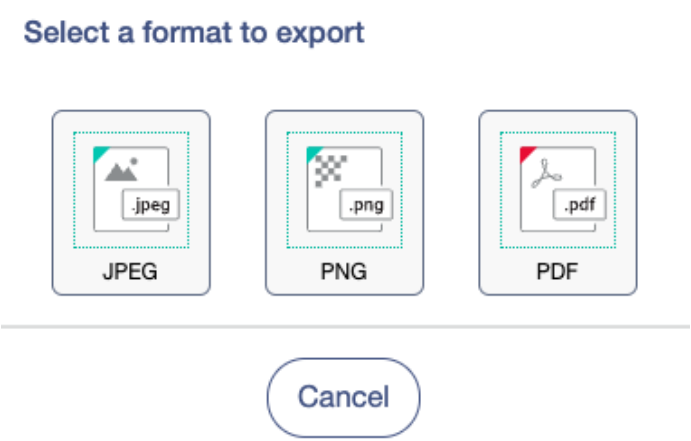
Export the session. If the user wants to export the content as an image file to share with people who don’t have access to the Whiteboard app, a user can click on the Menu and choose Export. The Whiteboard content can then be exported as a PNG, JPG, or PDF file.